\
Vidgets Installation Instructions
1. Download Vidgets.zip (10.2 MB).
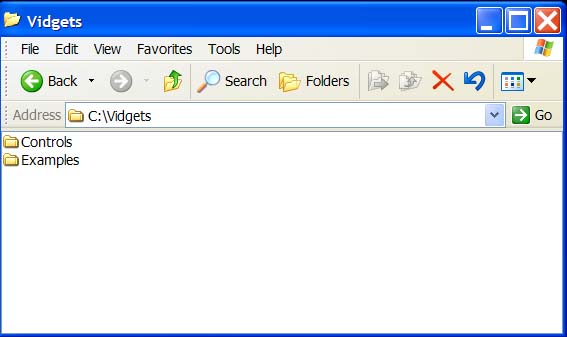
2. Unzip the file onto your C drive. You
should now have a folder called C:\Vidgets
\
3. Open the folder C:\Vidgets\Controls\ and run the file install.bat. This will register all of the necessary ActiveX Controls.
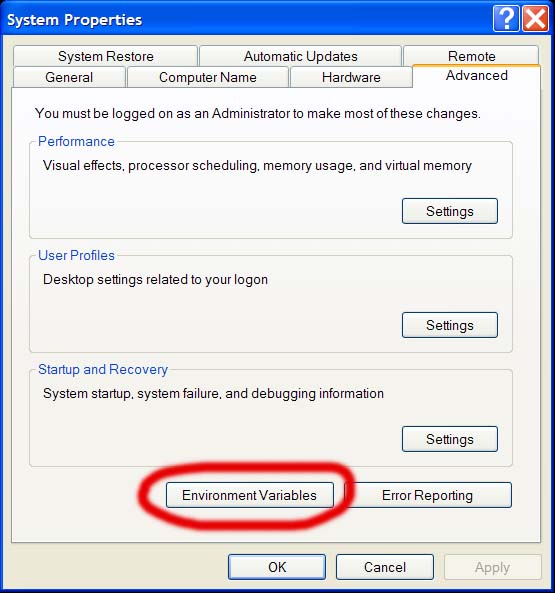
4. Add the folder "C:\Vidgets\Controls\" to your system PATH:

5. Open Visual Studio and start a new Visual Basic project.
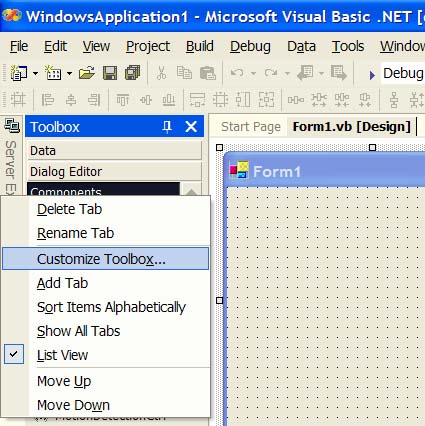
6. In the tool window on the left, right click on the "Components" tab and select "Customize Toolbox."
7. Scroll through the list of ActiveX Controls and check the boxes next to the following Controls:
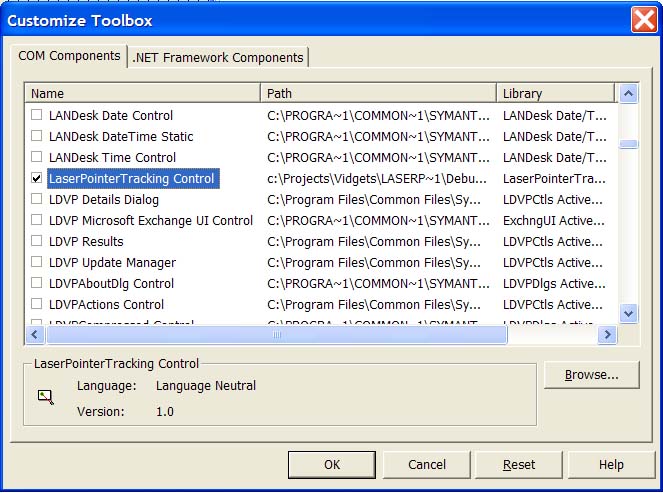
8. Click "OK" and you will see these controls appear in the toolbox. You can now add Vidgets to your VB Form.